


Church App Essentials Part 1: Reliability

When something makes our lives a little easier and more delightful, we naturally associate good feelings with that particular product, brand, or organization. So much so, that we keep coming back for more. The same concept applies when creating an app for your organization. Does your app keep your audience coming back? In this blog series, you'll find a few things you should consider when creating an app that stays on your audience’s home screen.

1. Is it Reliable?

We’ve all experienced apps that suddenly crash, take forever to load, or seem to be entirely dysfunctional. If it happens enough times, or too many things are broken, the app sadly might get the boot—or ignored. It’s crucial that your app functions with quality, ease-of-use, and has a responsive support system behind it to keep it running smoothly. No app is perfect (surprise!) and even the near-perfect software developments need regular maintenance with all of the new iOS, Android, and Windows OS updates rolling out.

Having access to a support and dev team can help you develop updates when issues arise—or  you could have a full-time developer on retainer dedicated to monitoring, updating, and maintaining your app (you're looking at close to 100k). Keep in mind that your app is always being compared to the standard of other apps on your audiences devices. No matter how great your content is, if the functionality is comparably too slow, or doesn’t provide a quality experience, they might not have a reason to keep it around.  

Aim for reliability with your app provider or developer, so that both you and your audience can trust that the technology will deliver your content! 

Stay tuned for part 2

Smartwatches + The Church App

Apple Watch and Android Wear Support

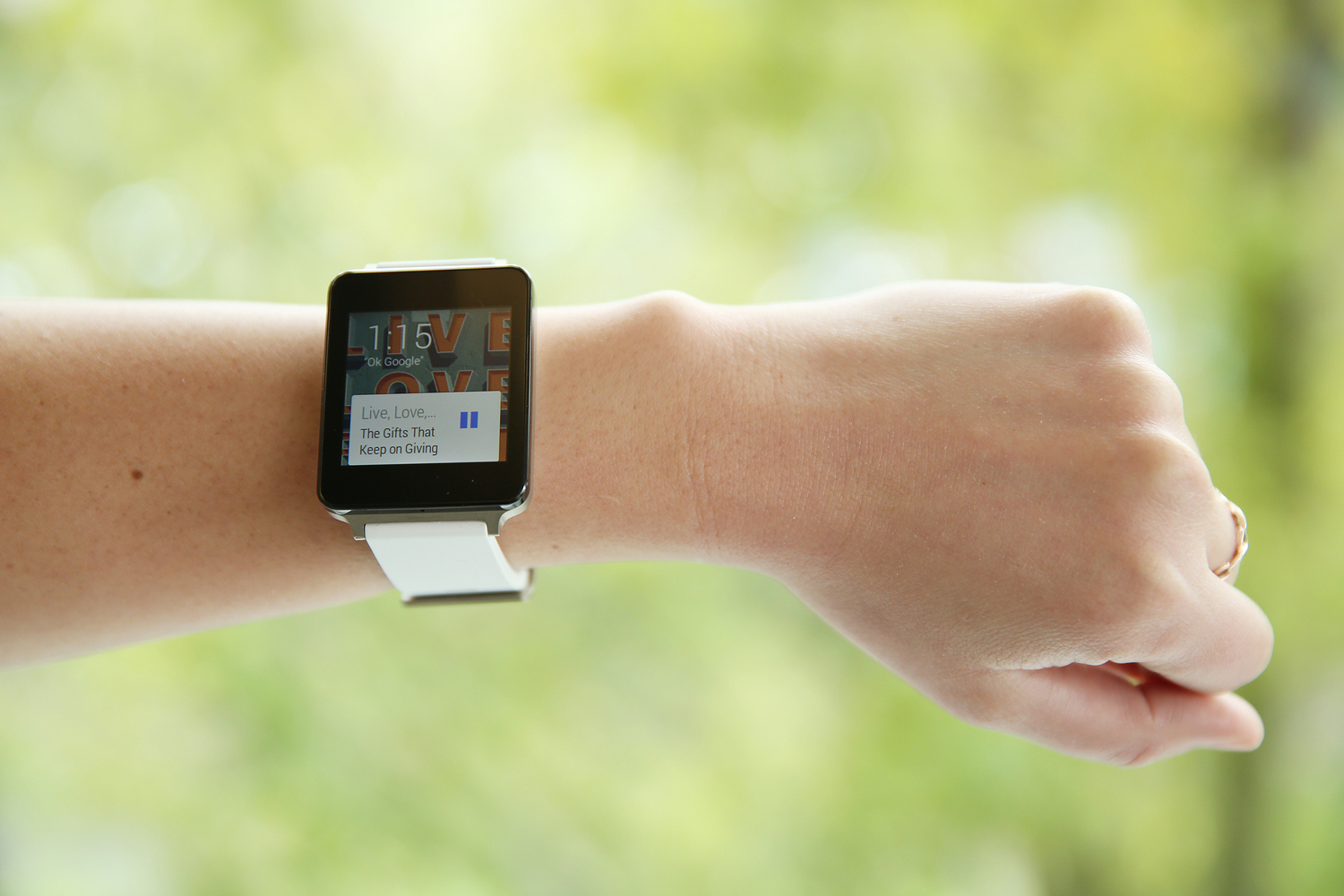
The Apple watch is finally here–adding another sleek competitor to the smartwatch world. With the arrival of the Apple and Android watches, we’re very excited to announce that both watches support your Subsplash app! That's right, they work right out of the box!

How does your app talk with your watch?

We're glad you asked. Smart watches have a number of compatible features that connect with your app instantly. Control the audio from your app directly from your Apple or Android watch. Push Notifications also appear on both Apple and Android watches, giving you another platform to reach your audience with direct messages. Android watches also have the ability to display your artwork along with the audio! 

Why Smart Watches?

Smart watches eliminate the step of having to pull out your phone to perform certain functions. Rather than hearing your phone vibrate, checking your text, and then responding, your smart watch frees up your hands and gives your voice the power. Respond to texts, get directions, make calls, and open apps with just your voice! Yes, you may feel like an FBI agent for awhile. We are so excited about this new technology, and can't wait to hear how you use them!

Best Practices Part 6: Media

Media concludes our best practices for reaching and engaging your audience. Whether they’re on a morning run or commute, you can easily connect your audience with your media anytime, anywhere. We really did save the best for last!

Media

So why media? As both mobile app use and media consumption continues to rise, delivering media through your app enables you to meet your audience directly where they’re at:

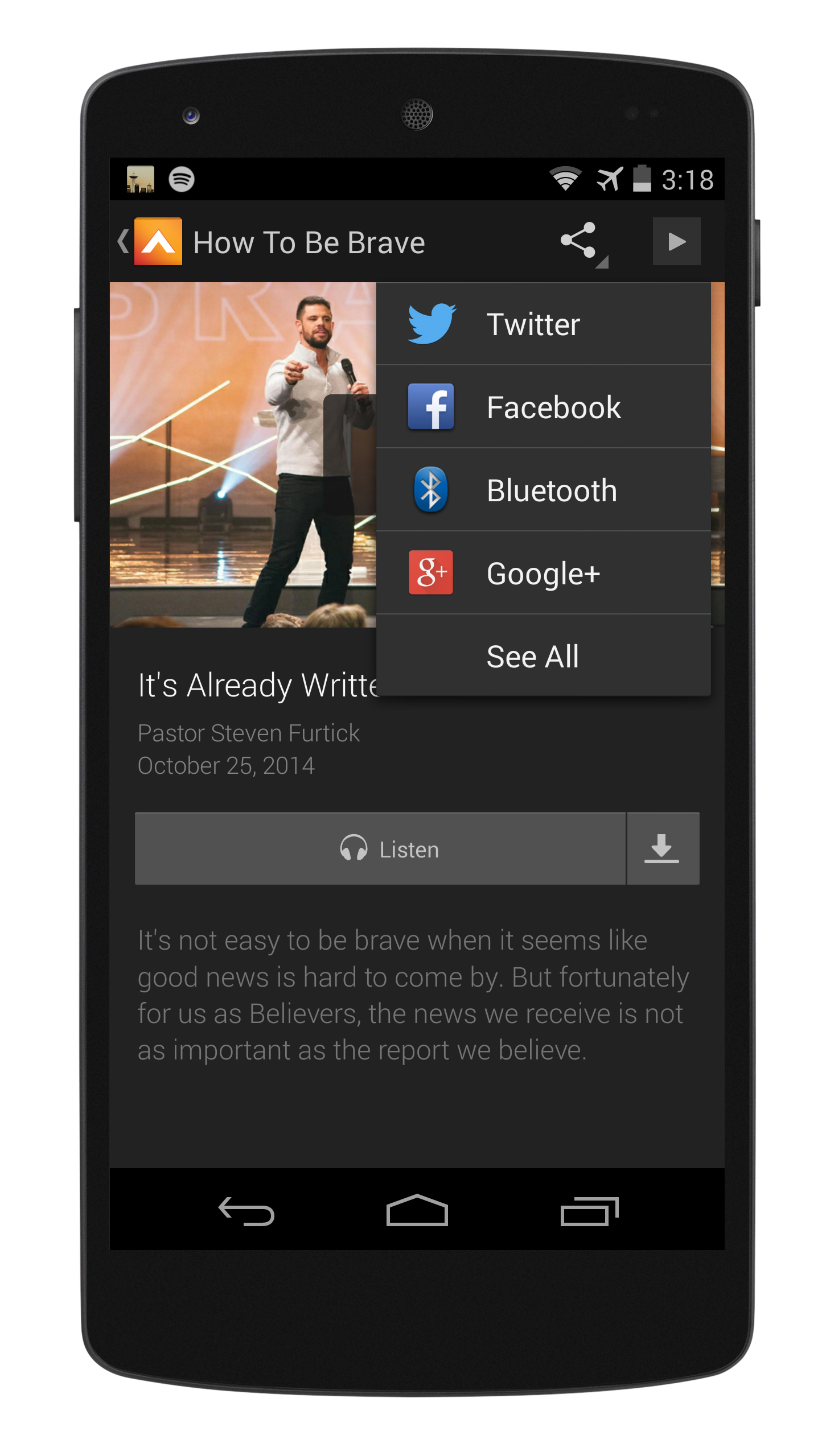
With weekly recurring media content, utilizing the media tab provides an effective medium for expanding the reach of your content beyond the Sunday service. Not only can users instantly access your sermon collection, but they can download for offline listening wherever they are. Many churches have seen a strong increase in sermon downloads through their media tab alone!

The media tab is the most robust way to present your media on a mobile device. Built and designed for multiple devices and operating systems, the Subsplash Platform enables you to deliver a beautiful and intuitive cross-platform media experience. Easily customize the artwork and display of your media with multiple layout options, making the user experience more delightful and catered to your brand.

As our series comes to a close, these are a just a few ways we’ve seen churches use their apps to increase engagement and enhance their communication efforts. Your app should not only be a tool for presenting content, but also an effective way to directly remind, notify, and encourage users to engage. If you’d like to add any of these features, or would like to get started with your own Church App, we’d love to help!

Best Practices Part 5: Events

By providing a visible and effective way to promote your events, the events tab enables your audience to easily discover and sign up for events directly from their devices. 

Events 

Events3.jpg

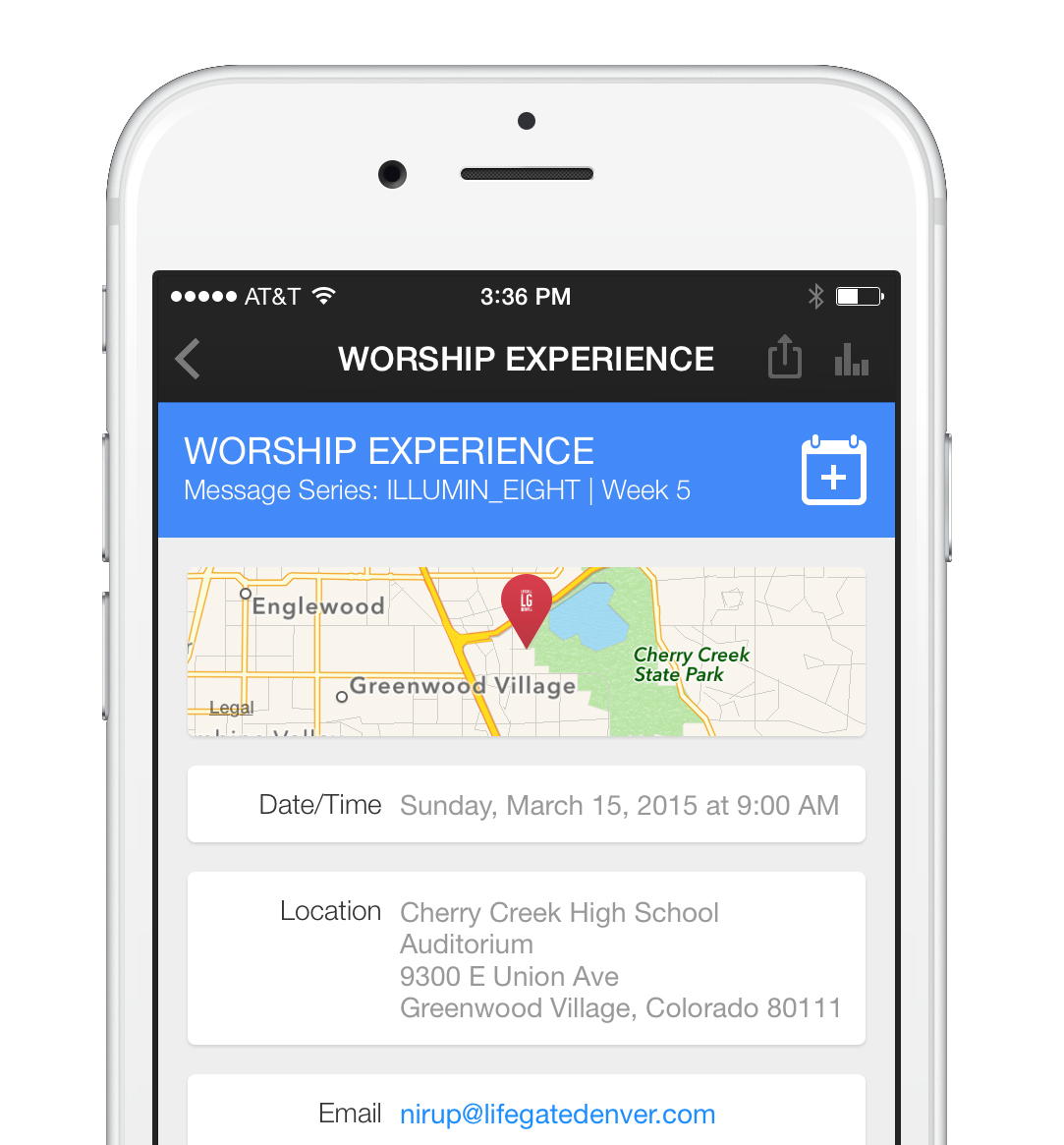
LifeGate Church has done a great job of integrating all the benefits the events tab has to offer. In addition to promoting your upcoming events, this feature also gives your audience the ability to save them directly to their iCalendar. By including a description, map location, contact information/sign ups, and more, having this tab in place enables your users to easily sign up and share events in your community.

Like sending out a push notification, the events tab gives you another effective way to increase awareness for your ministry's events.  Download LifeGate's app here to see it in action, and stay tuned for Part 6!

Cookie Preferences